
These are the showcase workflows from nodetool.ai. Each one starts from a handful of inputs and ends with a finished result — a trailer, a batch of video ads, a set of poster concepts — built on a single canvas. Nothing is locked: swap a model, rewrite an agent’s prompt, or drop in a new brief and run it again. The workflow is the reusable part, not the example output.
Every model runs with your own keys. The bill comes from the provider, not from us, and you can switch any model for a better one the day it ships.

Movie Trailer Generator
Type one logline and the canvas builds a cinematic teaser: a Director node storyboards it into shots, each shot is rendered as key art, animated, and cut into a finished trailer.

Documentary Teaser Generator
Describe the film in a sentence and the storyboard boards it shot by shot: a card per beat, a still on every card, animated clips, and a cut teaser on the timeline.
Product Video Generator
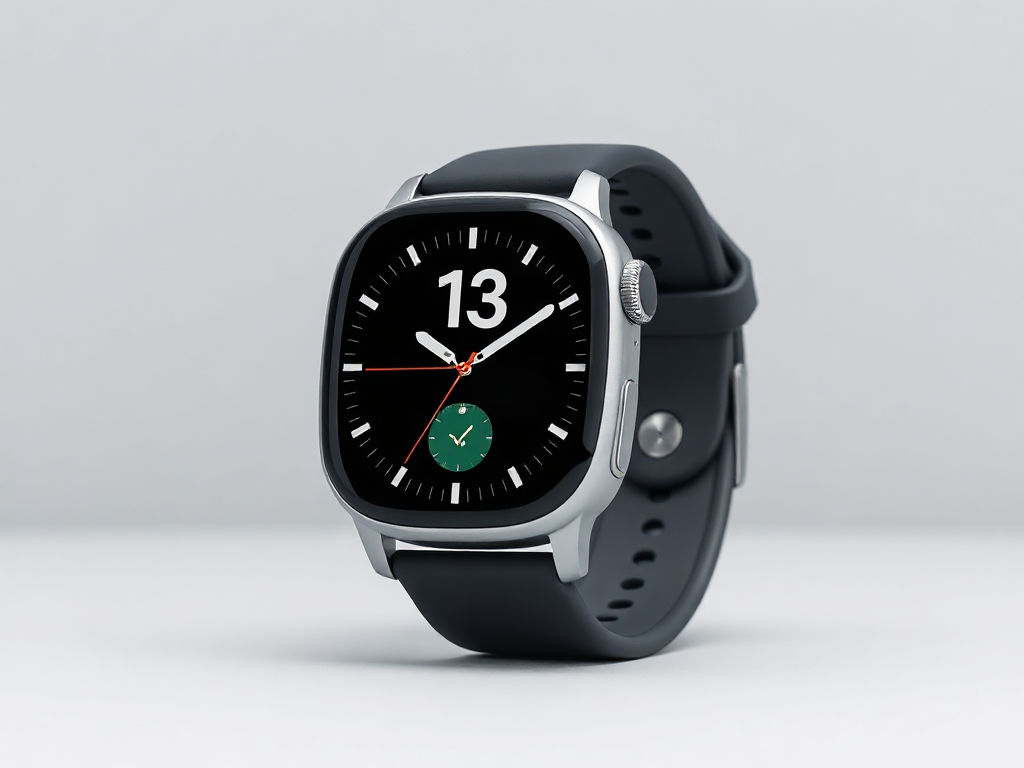
Turn a campaign brief and a single product photo into a cinematic 16:9 product video. Your inputs feed a prompt, an agent directs the shot, and a text-to-video model renders it.
Ad Creative Factory
One product photo and one offer become a batch of ready-to-test vertical video ads. A strategist agent plans a persona × angle test matrix, and every cell becomes a spoken hook, a staged scene, an animated clip, and a voiceover.
Movie Poster Generator
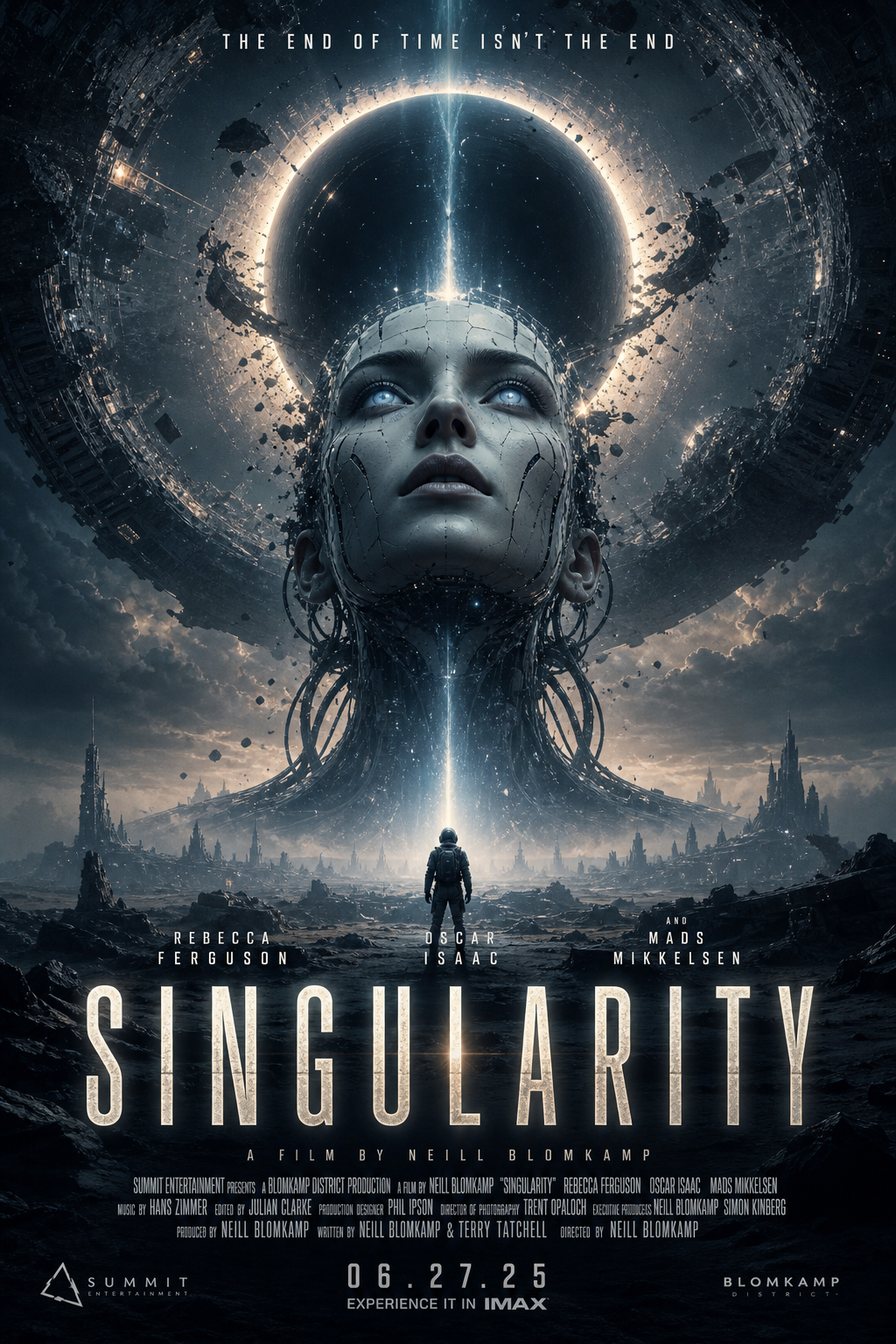
From a title, genre, and audience, the canvas writes a creative strategy and renders a batch of cinematic poster concepts — title, tagline, billing block and all.
Podcast Repurposing Studio
Drop in one episode and ship the whole content pack: titles and show notes, a newsletter edition, five social posts, and quote cards rendered as square images. Transcribed once, written four ways.
SEO Content Engine
One topic in, a keyword-targeted article batch out. A strategist agent plans the cluster, and every brief becomes a full Markdown article with an editorial hero image — a cluster per run, not an article per invoice.
Build your own
These are starting points, not limits. The same building blocks — inputs, prompts, agents, and image/video/audio models on one canvas — cover far more ground. For smaller, single-purpose examples, see the Workflow Gallery and the Cookbook.
- New to the canvas? Start with Getting Started.
- Want the building blocks? See Key Concepts and Nodes.
- Bringing your own keys? See Models & Providers.
</content> </invoke>