
See API Reference for a matrix of endpoints, auth requirements, and streaming behavior. For environment variable defaults and precedence, see the Configuration Guide.
Quick Start
The server picks its mode from the environment. When both SUPABASE_URL and SUPABASE_KEY are set, it runs in Supabase mode and enforces authentication on every non-public request. Otherwise it runs in Local mode: loopback connections are trusted and run as user "1", and non-loopback requests are rejected with 401 unless they come from a network listed in NODETOOL_TRUST_LOCAL_NETWORKS or carry a valid access token.
# Local mode: loopback trusted
nodetool serve

# Supabase mode: auth enforced on every request
export SUPABASE_URL=https://your-project.supabase.co
export SUPABASE_KEY=your-service-role-key
nodetool serve
Authentication Modes
The server does not read an AUTH_PROVIDER variable. The mode comes only from the presence of both Supabase variables (packages/websocket/src/server.ts).
- Supabase mode. The server validates a Supabase JWT on every non-public request, over HTTP and WebSocket.
- Local mode.
LocalAuthProvidermaps requests to user"1". Loopback connections bypass auth (gated byNODETOOL_TRUST_LOCALHOST). Other sources are rejected with401unless a trust rule, a valid access token, or theSERVER_AUTH_TOKENbearer token applies.
AUTH_PROVIDERis only written into deployed-container environments by the@nodetool-ai/deploytooling. The server itself never branches on it.
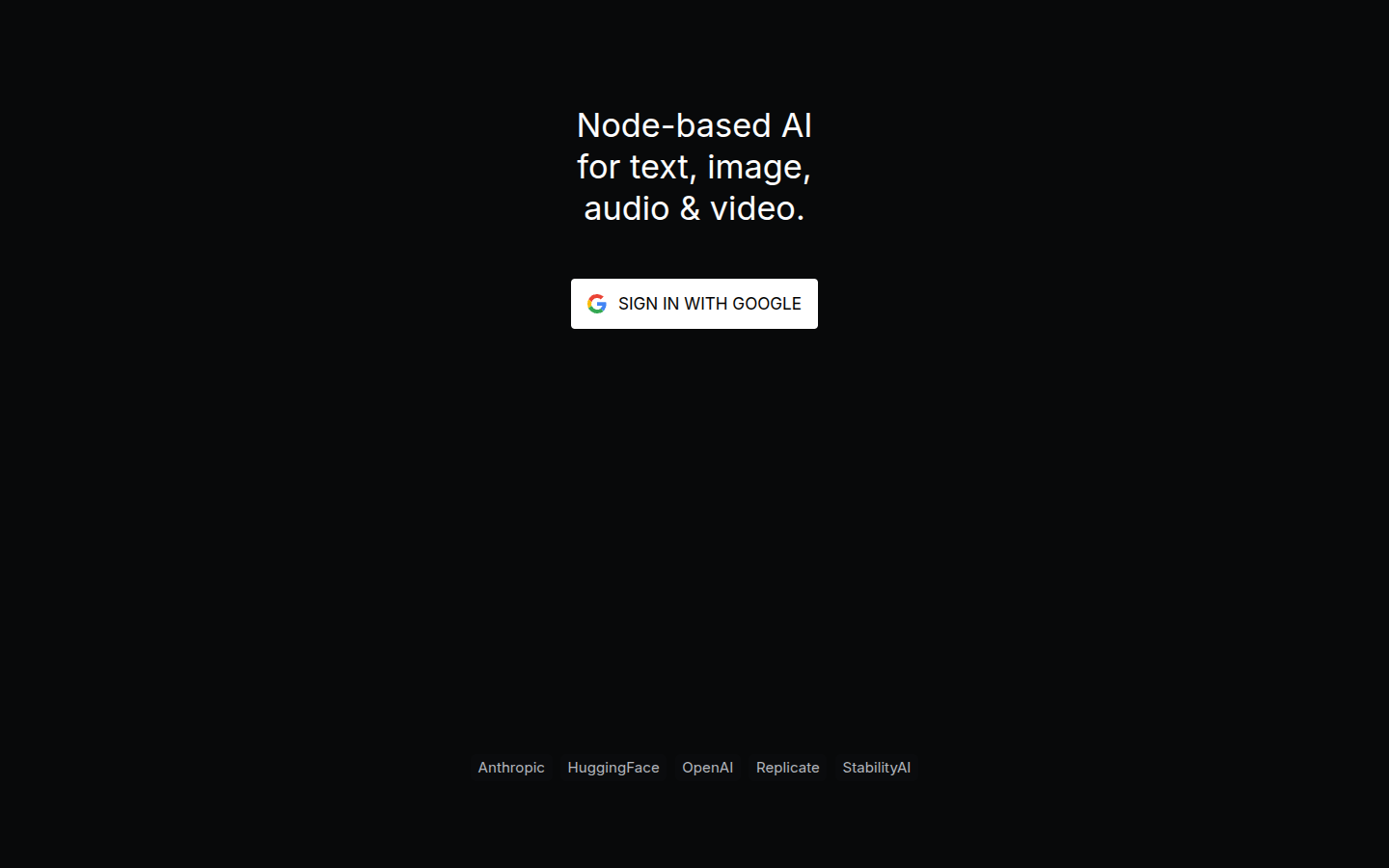
In Supabase mode the web UI shows a sign-in screen before anything else loads:
Supabase token verification results are cached in-process. The cache defaults to a 60-second TTL and at most 2000 entries. These are constructor options on SupabaseAuthProvider and are not configurable through environment variables.
Sending Credentials
Clients send the credential as Authorization: Bearer <token>. For WebSocket connections the server also accepts a ?api_key=<token> query parameter when the header is absent.
curl -H "Authorization: Bearer $TOKEN" http://localhost:7777/v1/models
curl -H "Authorization: Bearer $TOKEN" \
  -H "Content-Type: application/json" \
  -X POST http://localhost:7777/v1/chat/completions \
  -d '{
    "model": "llama3.2:latest",
    "messages": [{"role": "user", "content": "Hello"}]
  }'
curl -H "Authorization: Bearer $TOKEN" http://localhost:7777/api/workflows/
Token Types
The server recognizes these credentials. Prefixed tokens are checked before the mode’s own rules.
| Token | Prefix | Works on | Notes |
|---|---|---|---|
| Supabase JWT | none | Everything | Supabase mode only. |
| Access token | ntk_ |
Everything, in every mode | Minted by a signed-in person for an agent or MCP client. Revocable. A failed check falls through to the mode’s rules. |
| MCP OAuth access token | nta_ |
/mcp only |
Issued by the MCP OAuth flow. Presented anywhere else, or after the server was rehosted, it is refused with invalid_token. See MCP production. |
| App session token | nda_ |
/ws only |
Issued to a visitor of a deployed mini app. Confined to that one app. A failed check is refused, never retried against other providers. |
| Delegated token | none | Everything, as the linked user | Used by messaging bridges. Enabled only when NODETOOL_INTEGRATION_TOKEN is set to 16 or more characters. |
Delegated and app session tokens are signed with keys derived from the master key, so rotating SECRETS_MASTER_KEY revokes every outstanding one.
Public Endpoints
These paths skip session auth. They are still covered by the per-IP rate limiter.
GET /health,GET /ready,GET /api/healthGET /api/configGET /api/nodes/metadataGET /api/assets/packagesand/api/assets/packages/*GET /api/workflows/public,/api/workflows/public/:id,/api/workflows/examples, and/api/workflows/examples/*GET /api/oauth/hf/callbackandGET /api/oauth/github/callback/api/webhooks/*,/api/kie/webhook*,POST /api/providers/fal/webhook/:token, andPOST /api/providers/atlascloud/webhook. These verify their own secret or signature./api/integrations/*. Each handler requiresNODETOOL_INTEGRATION_TOKEN.GET /api/apps/:tokenandPOST /api/apps/:token/session, the deployed mini app routes (production only).GET /api/shared-workflows/:token, the read behind a workflow’s public share link.- The MCP OAuth surface:
/.well-known/oauth-protected-resource*,/.well-known/oauth-authorization-server*,/oauth/authorize,/oauth/token,/oauth/register, and/oauth/revoke. - Static web app files, when the server serves the bundled UI. Paths under
/api,/ws,/v1,/trpc, and/mcpstill require auth.
Source: packages/websocket/src/lib/public-routes.ts.
Error Responses
A rejected HTTP request receives 401 with an error field.
Missing token (Supabase mode):
{ "error": "Unauthorized" }
Token rejected by Supabase:
{ "error": "<reason from the auth provider>" }
Non-loopback request in Local mode:
{ "error": "Remote access requires authentication" }
A rejected WebSocket upgrade gets a bare 401 Unauthorized response with no body. /mcp responses also carry a WWW-Authenticate challenge when the MCP OAuth flow can complete.
Rate Limiting
Requests are limited per client IP before any token verification runs. Loopback is exempt. Excess requests receive 429.
| Variable | Default | Effect |
|---|---|---|
NODETOOL_RATE_LIMIT_DISABLED |
unset | Set truthy to turn the HTTP limiter off. |
NODETOOL_RATE_LIMIT_MAX |
1000 |
Requests per window per IP. |
NODETOOL_RATE_LIMIT_WINDOW_MS |
60000 |
Window length in milliseconds. |
NODETOOL_RATE_LIMIT_TRUST_PROXY |
unset | Key by X-Forwarded-For instead of the socket address. |
WebSocket messages have their own cap (NODETOOL_WS_RATE_LIMIT_DISABLED, NODETOOL_WS_RATE_LIMIT_MAX, default 200 messages per window). Source: packages/websocket/src/lib/http-rate-limit.ts, packages/websocket/src/lib/ws-rate-limit.ts.
Deploy Token Helpers
The @nodetool-ai/auth package defines the abstract AuthProvider base class (header and WebSocket token extraction, verifyToken), plus the AuthResult and TokenType types.
The @nodetool-ai/deploy package ships a separate static-token helper set in packages/deploy/src/auth.ts:
function getServerAuthToken(): string;   // SERVER_AUTH_TOKEN env, then deployment.yaml, then generate and save
function getTokenSource(): "environment" | "config" | "generated";
function generateSecureToken(): string;  // crypto.randomBytes(32).toString("base64url")
function verifyServerToken(auth: string): Promise<"authenticated">;  // timing-safe compare
function loadAuthConfig(): Record<string, unknown>;
function saveAuthConfig(config: Record<string, unknown>): void;  // file mode 0600
The token is stored as server_auth_token in ~/.config/nodetool/deployment.yaml (the path is built from the home directory on every platform, including Windows).
The running server does not call these helpers. Setting SERVER_AUTH_TOKEN or creating deployment.yaml does not protect the API. The only gates are Supabase mode, the trust settings below, and ntk_ access tokens. To protect a self-hosted server, use Supabase mode.
Localhost Trust and Reverse Proxies
By default the server bypasses authentication for connections from loopback
(127.0.0.1/::1) and runs them as user 1. This is convenient for the
desktop app and local development, but dangerous behind a reverse proxy,
container network, or SSH tunnel, where the proxy itself connects from
loopback — a blanket bypass would silently disable auth in exactly the
deployment that needs it.
To make this safe:
- The loopback bypass is gated by
NODETOOL_TRUST_LOCALHOST. It defaults off whenever auth is enforced (Supabase mode) and on otherwise. Set it explicitly (true/false) to override. X-Forwarded-Foris trusted only for proxies listed inNODETOOL_TRUSTED_PROXIES(comma-separated IPs/CIDRs). When unset, the header is ignored and the unspoofable socket peer address is used to identify the client, so a remote client cannot forge a loopback origin.
# Behind an nginx reverse proxy on the same host, enforcing Supabase auth:
export SUPABASE_URL=... SUPABASE_KEY=...
export NODETOOL_TRUSTED_PROXIES=127.0.0.1   # trust the local proxy's XFF
# NODETOOL_TRUST_LOCALHOST stays off — clients must present a valid token.
Local mode in Docker
Docker NATs a published-port connection to the bridge gateway (e.g.
172.17.0.1), so in Local mode the request never arrives from loopback and the
NODETOOL_TRUST_LOCALHOST bypass can’t fire — the UI loads (static assets and
/api/config are public) but every API/WebSocket call returns
401 "Remote access requires authentication".
NODETOOL_TRUST_LOCAL_NETWORKS (comma-separated source CIDRs) restores the
single-local-user model by trusting those sources as user "1" without a token.
It is honored only in Local mode — in Supabase mode it is ignored so every
request must present a valid token.
⚠️ This bypasses authentication
Every source IP in
NODETOOL_TRUST_LOCAL_NETWORKSis trusted as admin user"1"with no password — full access to your workflows, files, stored secrets, and API keys. Anyone who can reach the published port from a listed range gets that access.
172.16.0.0/12— the Docker bridge range on Linux. Every published-port connection arrives from the bridge gateway, whoever sent it, so this trusts anything that can reach the port, plus the other containers on the host.192.168.65.0/24— Docker Desktop’s VM gateway subnet. Published-port traffic on macOS/Windows arrives from192.168.65.1, whoever sent it, so the Linux range alone leaves every call 401 there. The bundled Compose file defaults to both and publishes the port on127.0.0.1only (NODETOOL_BIND), which keeps other machines off it.0.0.0.0/0— trusts every source, the whole internet if the port is reachable. Never use this on a public IP. Only on a network you fully control (private LAN / VPN), ideally with the port firewalled.- Exposing NodeTool to the internet or untrusted users? Do not widen this list — enable Supabase auth so every request needs a real login.
# Docker self-host, single user, no login (safe on a private LAN):
NODETOOL_TRUST_LOCAL_NETWORKS=172.16.0.0/12,192.168.65.0/24   # bridge + Desktop VM gateway
Host check
The loopback and NODETOOL_TRUST_LOCAL_NETWORKS bypasses also require the
request’s Host header to name this machine: localhost, a *.localhost
name, an IP literal, or a name listed in NODETOOL_ALLOWED_HOSTS. Any other
Host falls through to token auth. This blocks DNS rebinding, where a website
points its own domain at 127.0.0.1 so the browser treats the local server as
same-origin with the site.
If you reach a Local-mode server by a DNS name (for example
http://nodetool.lan:17777), add that name:
NODETOOL_ALLOWED_HOSTS=nodetool.lan
The bypass also checks who sent a browser request. Any website can open
ws://127.0.0.1:7777/ws or post to loopback, so a request with an Origin
header runs as user "1" only when that origin is the server’s own, a
localhost dev server, file://, a browser extension, or listed in
NODETOOL_ALLOWED_ORIGINS. Origin: null is refused, because any sandboxed
iframe sends it. The desktop app’s file:// window sends null too, so
Electron generates a secret per launch, passes it to the backend as
NODETOOL_LOCAL_CLIENT_TOKEN, and adds it to its own windows’ requests as the
X-NodeTool-Local-Client header. Clients that send no Origin (the CLI, MCP
clients, scripts) are unaffected.
Security Hardening
- Production: enable Supabase mode by setting
SUPABASE_URLandSUPABASE_KEY, terminate TLS in front of all non-public endpoints, and rotate Supabase service-role keys via your secrets manager. - Localhost trust: keep
NODETOOL_TRUST_LOCALHOSToff in any reverse-proxied or containerized deployment, and list only your real proxies inNODETOOL_TRUSTED_PROXIES. - Staging: keep asset buckets private or signed, and run workflows in subprocess or Docker isolation.
- Development: restrict Local mode to isolated machines and avoid storing real secrets in
.env.development.
See Security Hardening for detailed checklists across dev, staging, and production.