
Use case · Documentary
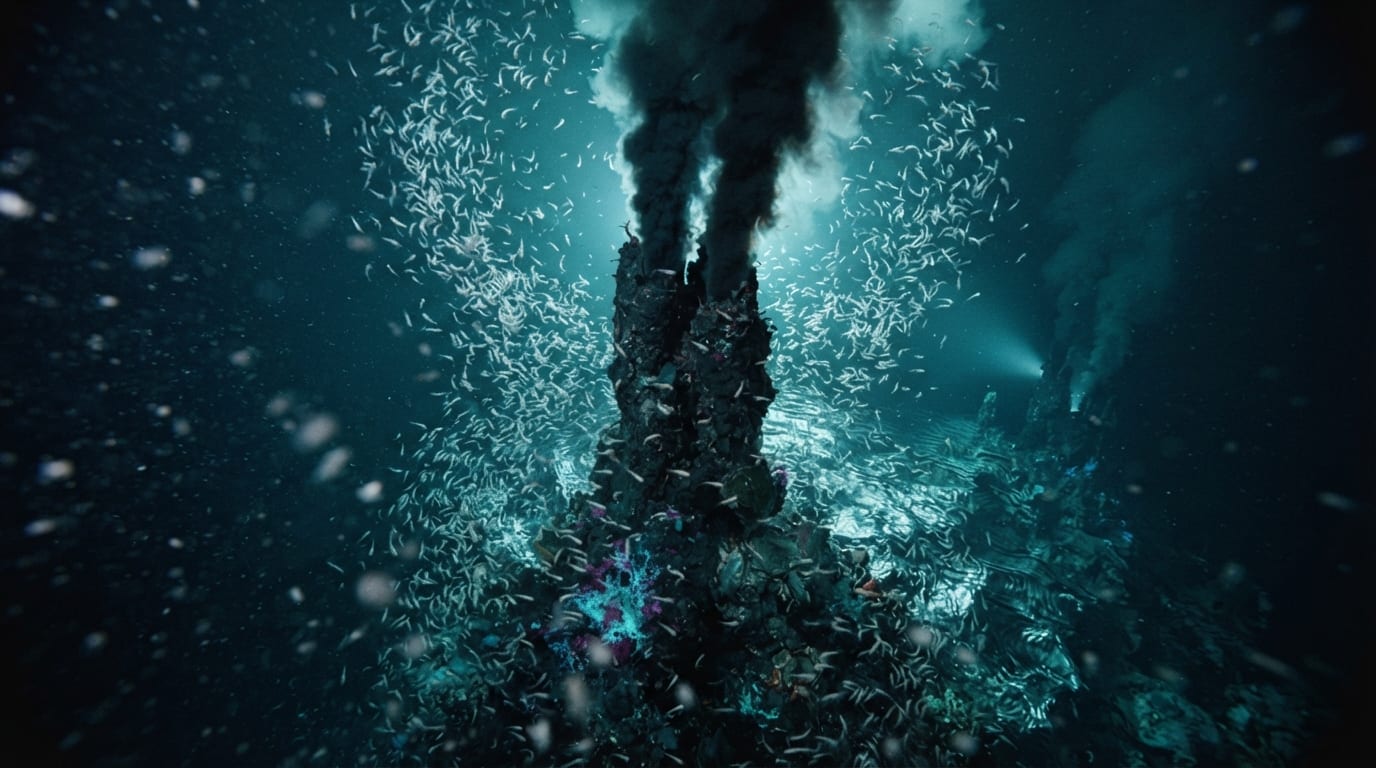
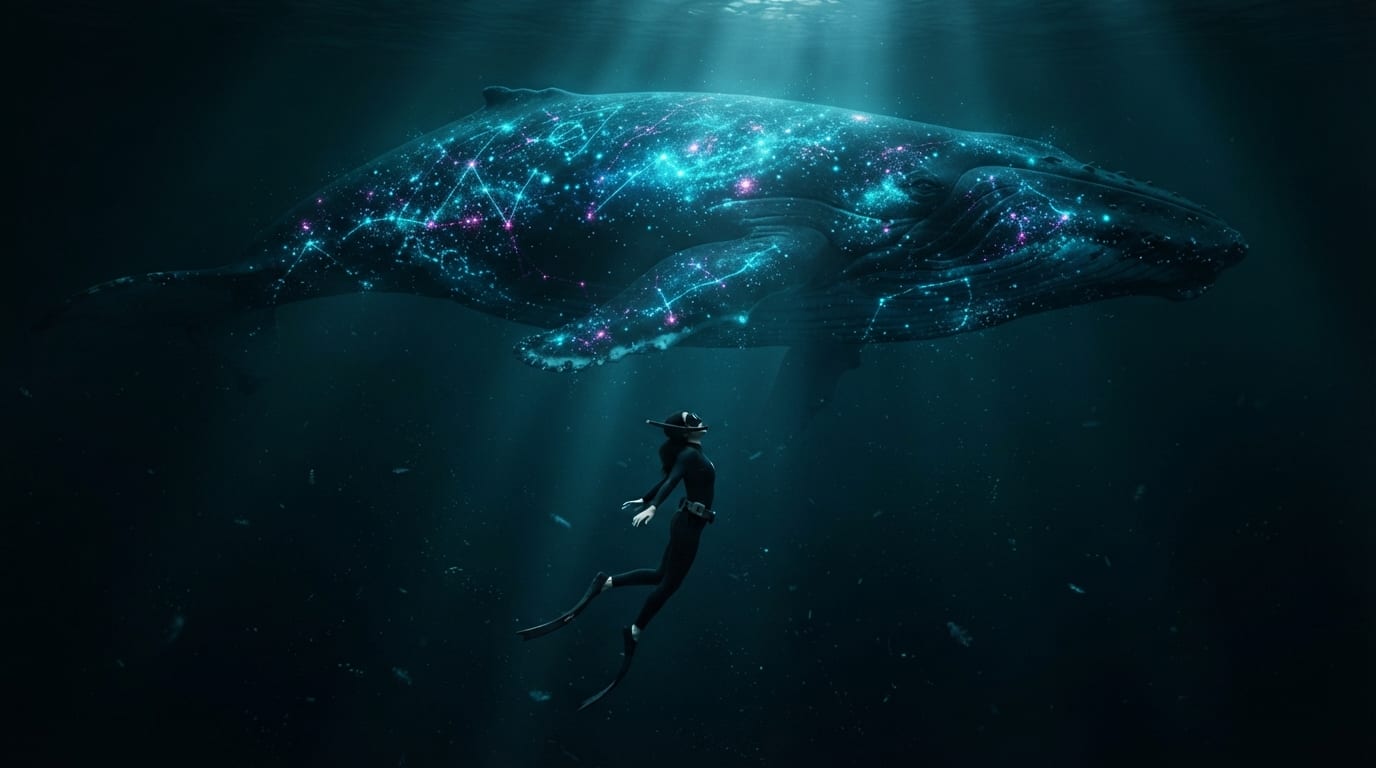
Describe the film in a sentence and the storyboard boards it shot by shot — a card per beat, a still on every card, then animated clips and a cut on the timeline. The teaser below is one run: DEEP — Life Below the Light, a dive from the surface at dusk to a bioluminescent whale on the abyssal plain, six shots and 26 seconds.
How it works
The storyboard editor runs the whole thing. Each step leaves something you can read and change before the next one spends anything. This is an editor workflow, not a workflow template, and NodeTool does not ship the DEEP board. The shipped boards are under Examples in the sidebar, Storyboards tab.
- Write the premise. In the Screenplay section, fill in Title, Brief, and Style. Under Direction, pick the screenplay model, the aspect ratio, and the number of shots (3, 4, 5, 6, 8, 10, or 12). (e.g. “A dive from the surface to the abyssal plain · IMAX documentary look · 6 shots”)
- Direct the board. Press Direct and the cards fill in — one beat each, with action, framing, and movement, all under one style bible.
- Review the stills. Render stills opens a dialog where you pick the still model and see the estimated cost. Re-render a single card from its edit panel until it looks right; the rest of the board stays put.
- Animate and cut. Render clips animates every shot that has a still and no clip yet, with a video model you pick per clip type. Then Create timeline (or Rebuild linked timeline on later passes) sends the clips to the timeline in shot order, ready to trim, narrate, score, and export.
Six shots, one teaser
The style bible under every card: IMAX 70mm look, volumetric light shafts, a deep teal-and-black palette with cyan and magenta bioluminescent accents, subtle film grain, 16:9.
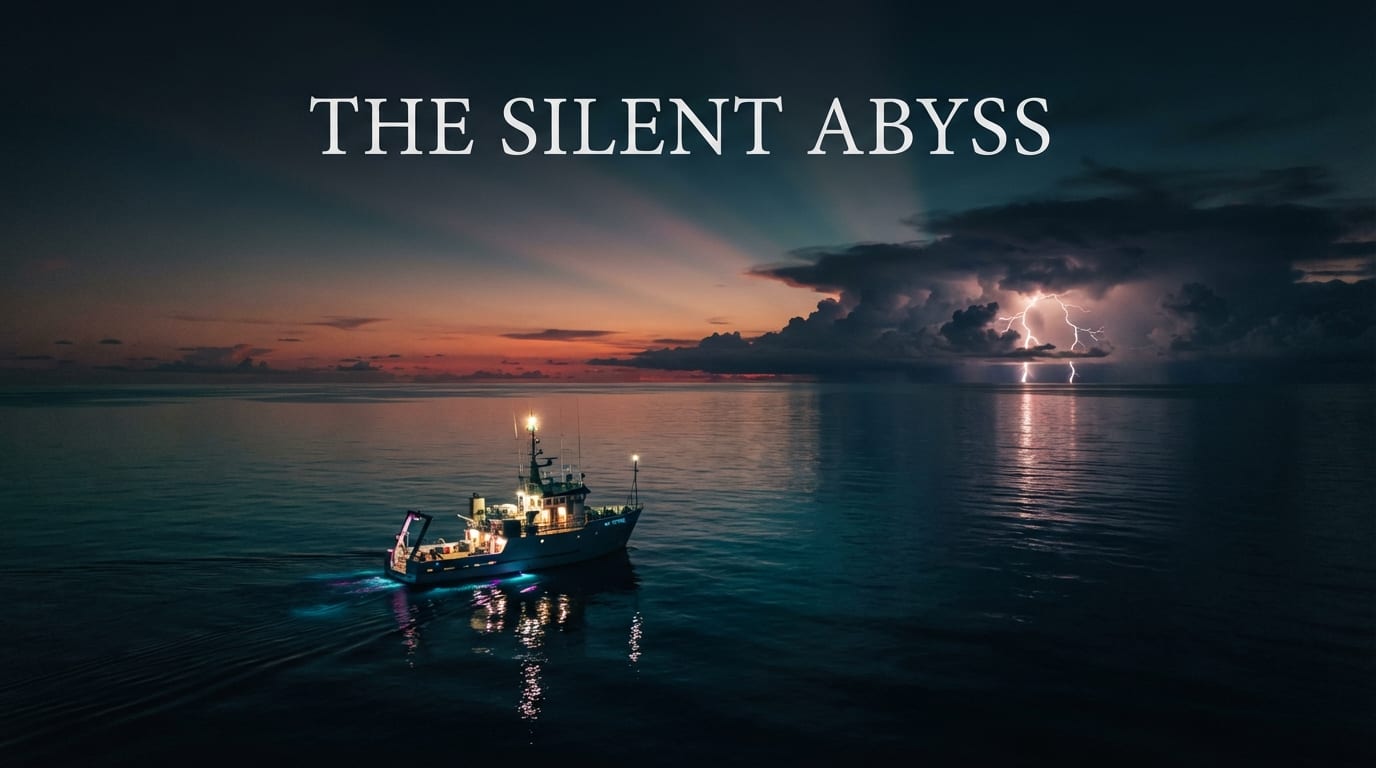
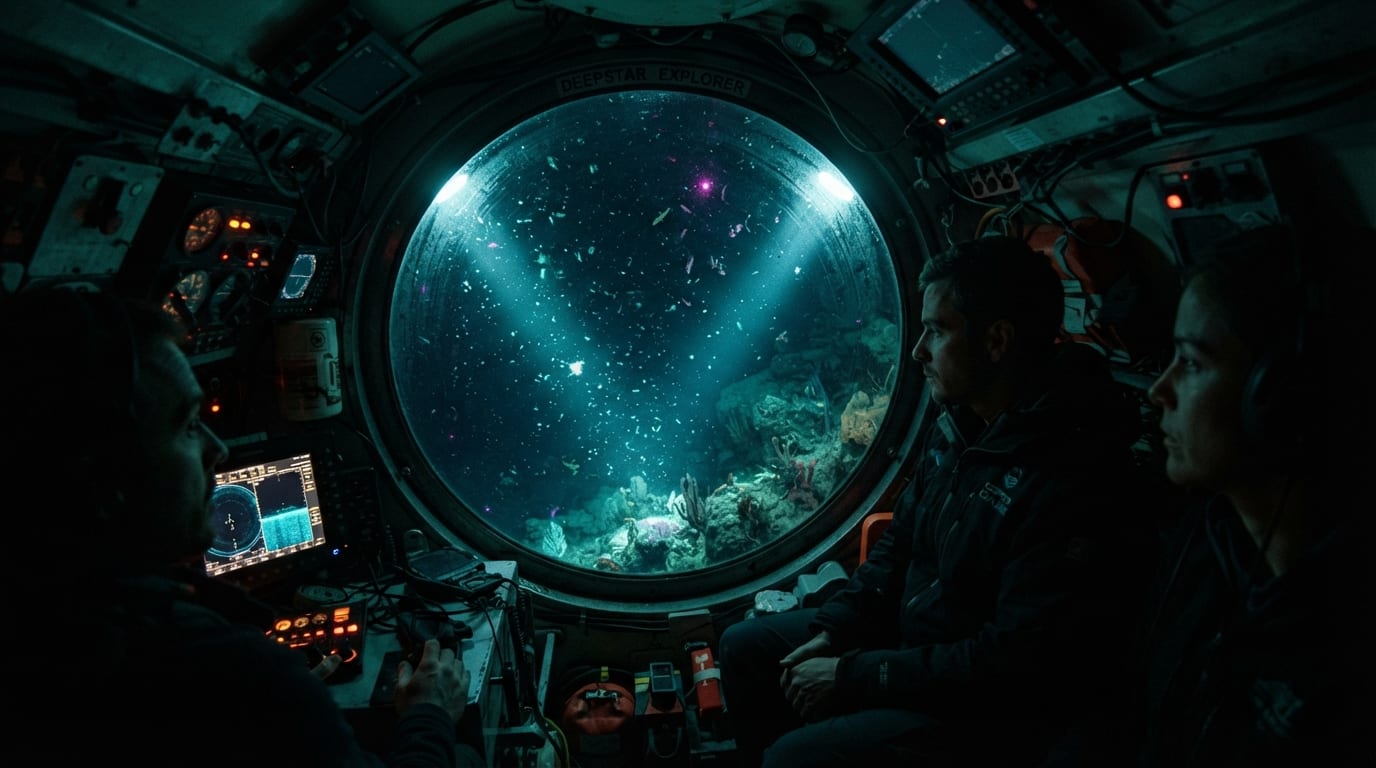
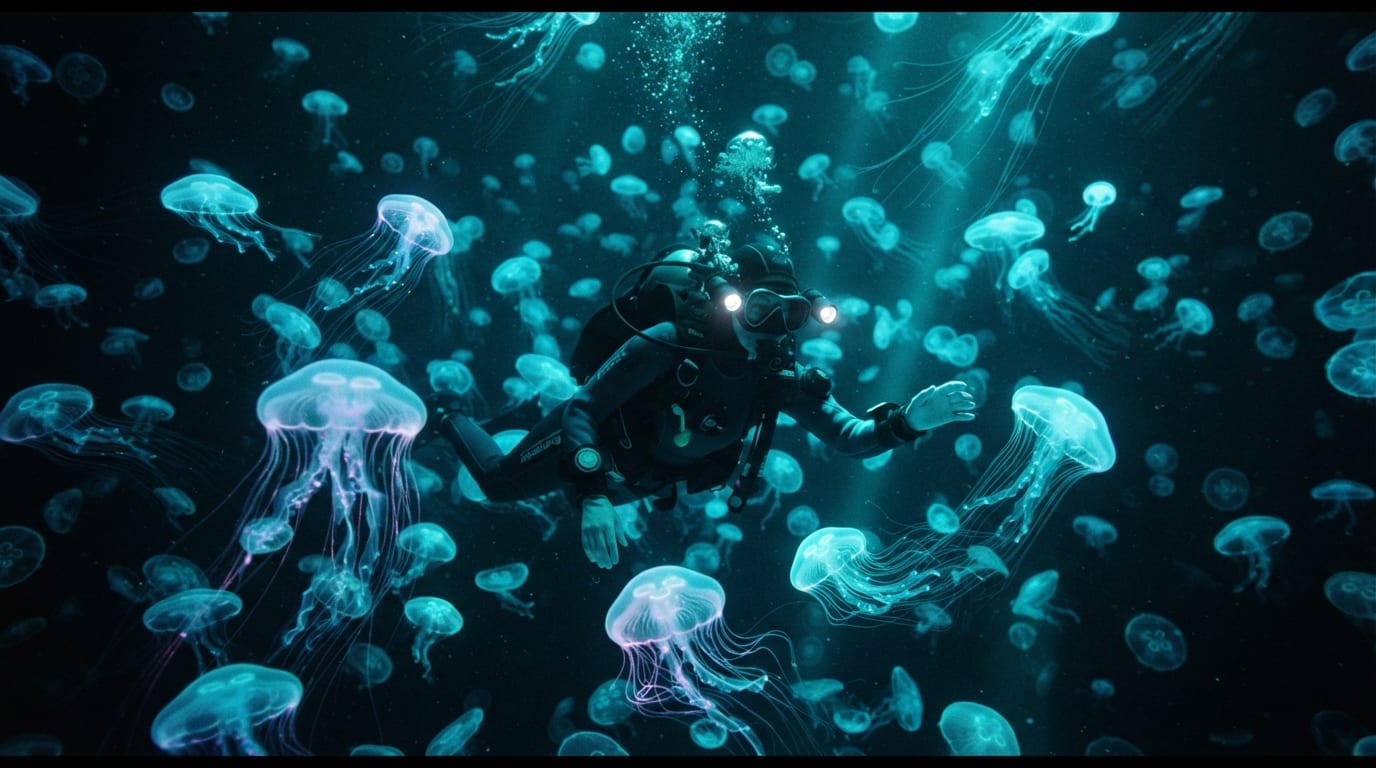
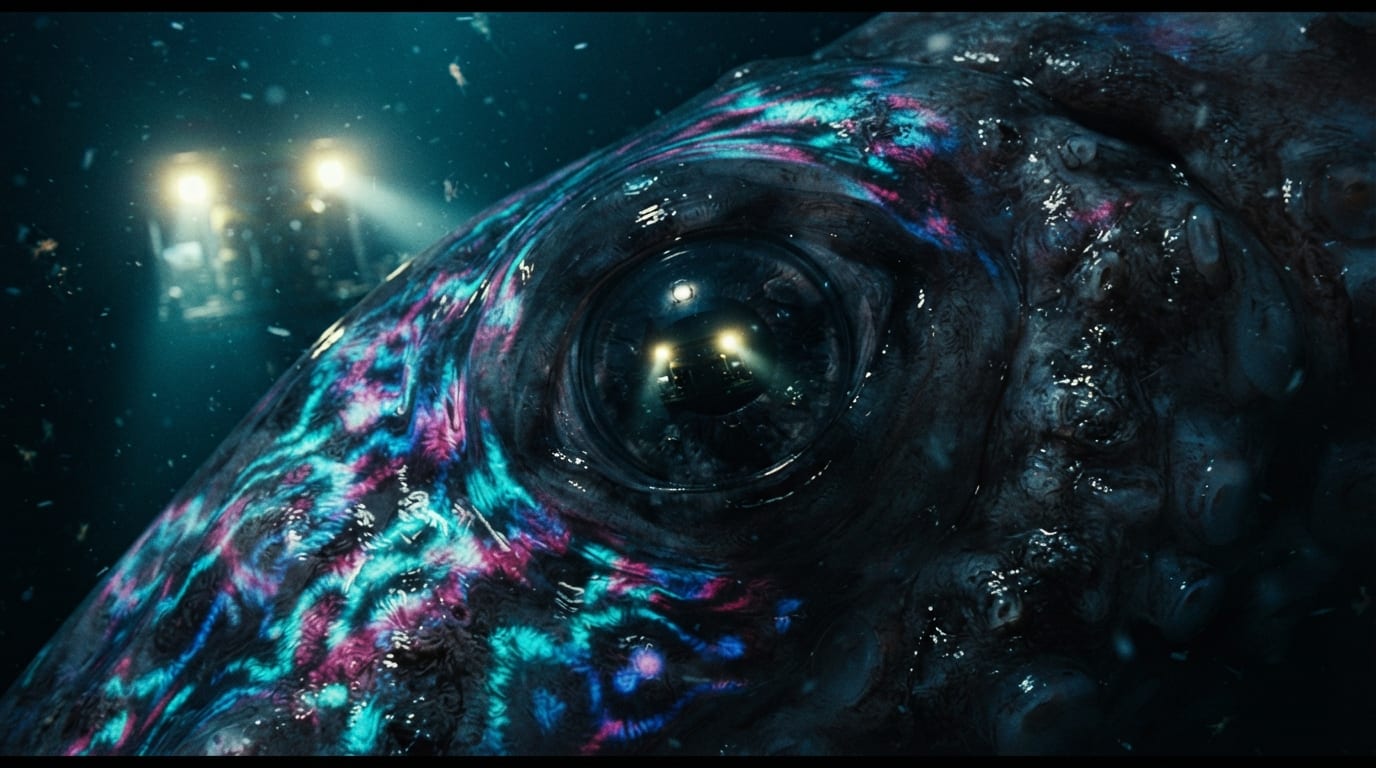
Make it yours
Nothing here is locked. Change the look, change the model, change one shot.
- Swap the video model. Veo, Seedance, Kling, Runway. Render that shot again; the board, the stills, and the other clips stay as they are.
- Restyle the series. The visual style you typed is the style bible behind every card. Change one line and the next pass boards it that way.
- Fix one shot, not the reel. Revise a single clip and it swaps back into its card. The other five never re-roll.
- Keep the subjects consistent. Save the vessel, the submersible, and the creatures as named entities. A shot picks up an entity when its text names it, or when you attach it on the shot, and the entity’s description goes into that shot’s prompt.
Models in this use case
Three jobs, one model each, every one a dropdown. They are called with your own keys, so the bill comes from the provider and you can switch any of them for a better model the day it ships.
| Job | Role | Pick from |
|---|---|---|
| Director | Writes the shot list, action, and camera notes | Gemini, Anthropic, OpenAI |
| Stills | Renders each card’s still | GPT Image, Flux, Nano Banana |
| Motion | Animates each still into a clip | Veo, Seedance, Kling |
See Models & Providers to set up keys.
Next steps
- Movie Trailer Generator — the same board, cut as a chase teaser
- All use cases