
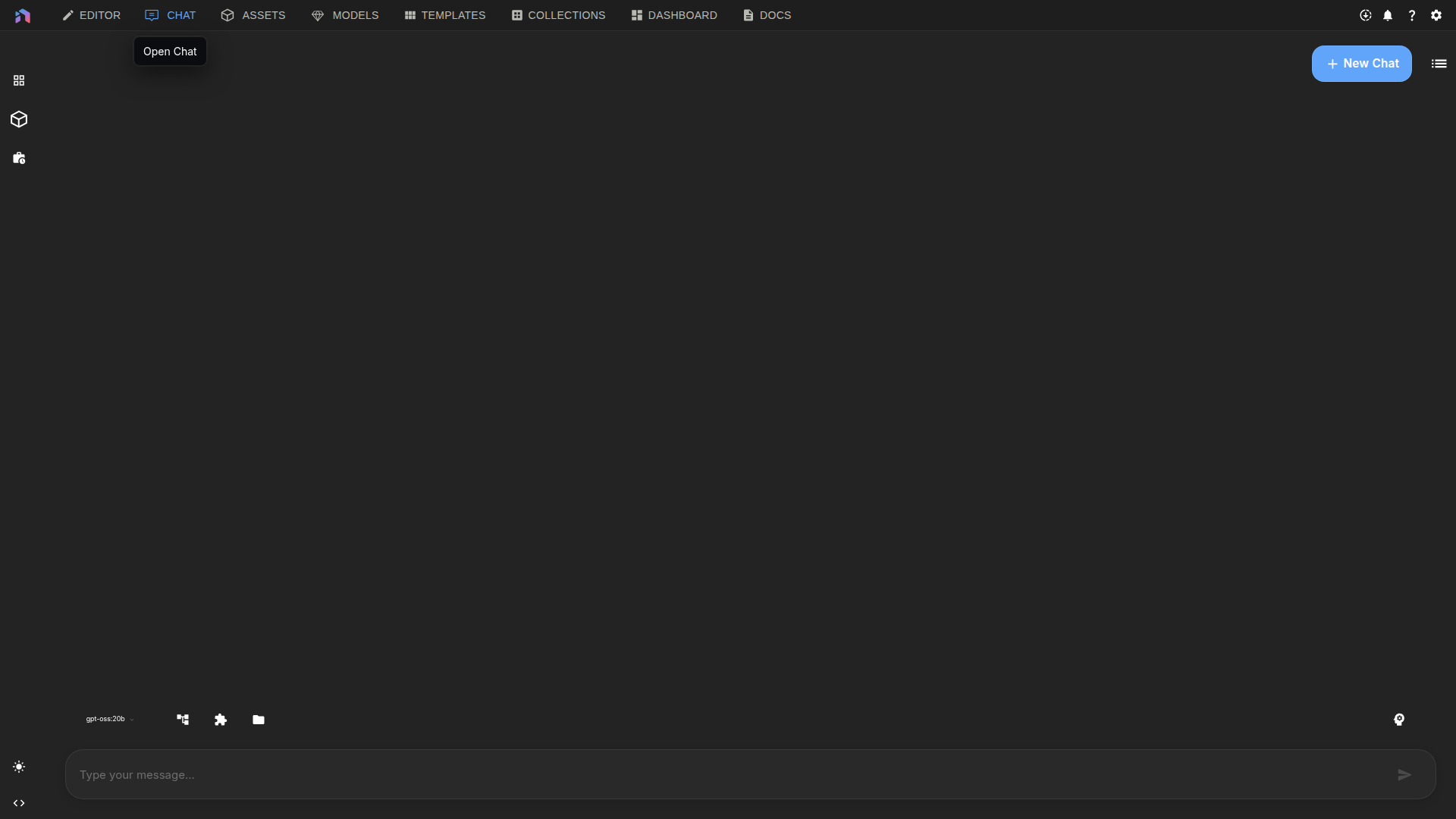
Most tasks in NodeTool start with the agent. Describe what you want. The agent plans the steps, connects the nodes, picks models, runs the task, and edits your open document. Every message runs the agent loop, so there is no mode to switch on.
What it can build
| What you ask for | What it works on | Learn more |
|---|---|---|
| Create, change, or fix a workflow | Workflows | Workflow Editor |
| Add a layer, mask, or fill | Sketches | Sketch Editor |
| Add a track, cut, or animation | Timelines | Video Editor |
| Create shots, stills, clips, or a cut | Storyboards | Creative Agent |
| Add voiced lines or subtitles | Scripts | Creative Agent |
| Build forms, fields, buttons, or outputs | Mini Apps | App Builder |
| Add a level, an enemy, or a rule | Games | Game Editor |
The agent uses the same actions the interface offers, so you can watch changes land as they happen. The result is a normal document you can keep editing yourself.
Core guides
- Chat — How to use the composer, threads, permissions, and the agent.
- Agent Memory — How the agent shares results between the steps of one run.
- Agent CLI — Run the agent from your terminal.
- Chat CLI & Chat Server — Automate chats or build your own interface.
- NodeTool as an MCP Server — Drive NodeTool from Claude Code, Codex, OpenCode, or any MCP client.
- Chat API — Start chats, get responses, and run tools from your own code.
Typical workflows
-
Build a workflow from a prompt Open Chat, pick an AI model, and describe what the workflow should do. The agent will plan the steps, make sure they work with the available tools, save the workflow, and run it.
-
Edit what you’re working on With a workflow, sketch, or timeline open, just ask for the change you want: “add an upscale step” or “put the narration on a new audio track.” The agent will update your document right away.
-
Run a saved workflow from chat Save your workflow in the editor, then select it in the chat or ask for it by name. The results will appear directly in your thread.
-
Control how much the agent does automatically You can set permissions for each thread: Plan gives you a proposal and runs nothing, Default asks before actions, and Auto runs routine work unattended but asks once before an action it labels high risk, such as deleting, publishing, or spending. Learn more in the Chat guide.
-
Run agents behind the scenes Use the Agent CLI for automated scripts, or the Chat API to connect the agent to a backend service.
For more examples, check out the Cookbook, or see the Deployment Guide to learn how to put agents into production.