
Use case · Design
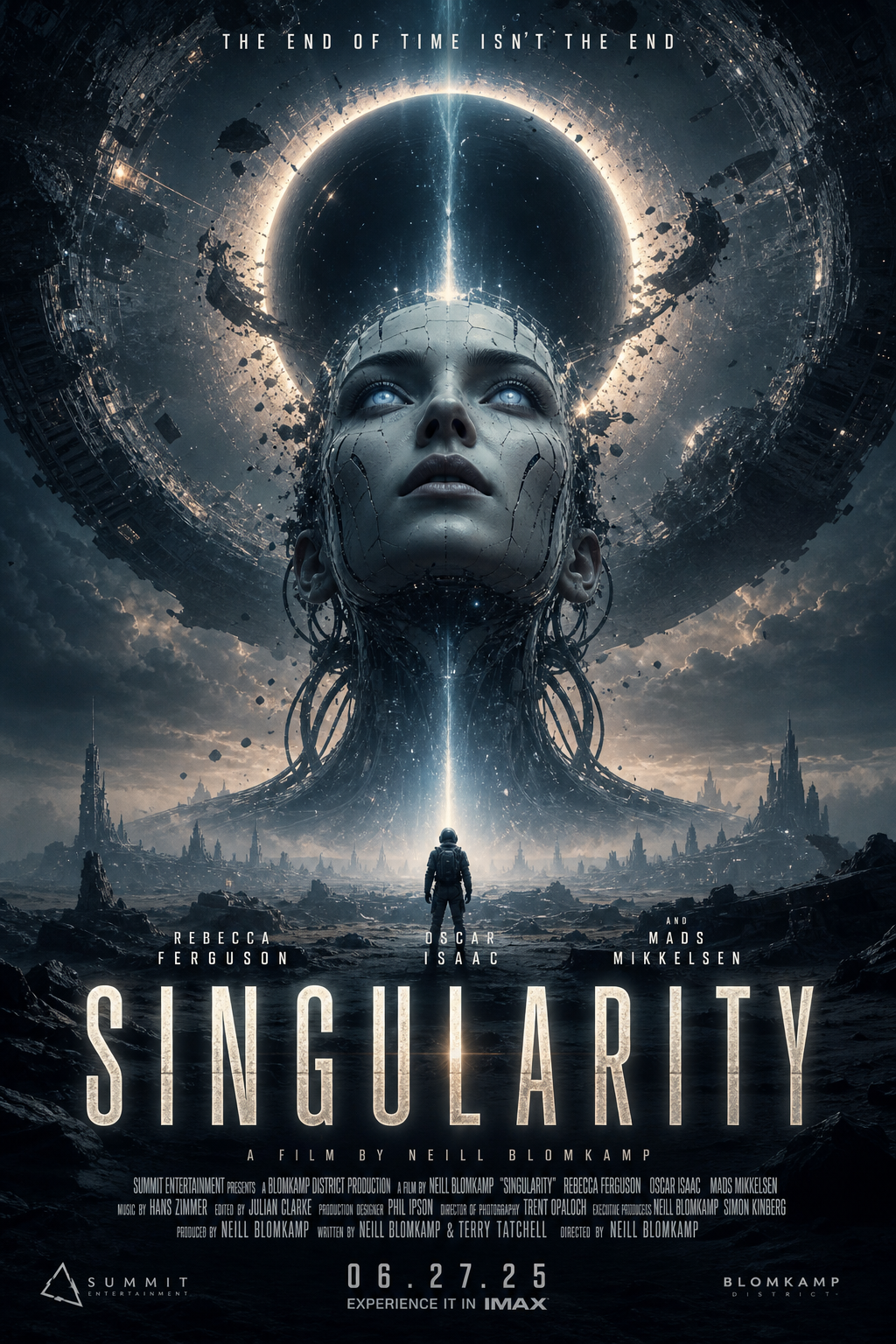
From a title, genre, and audience, the canvas writes a creative strategy and renders a batch of cinematic poster concepts — title, tagline, billing block and all. One run gives you a spread of directions, not a single guess.
How it works
Three text inputs and a strategy-then-render pipeline turn a one-line brief into a batch of theatrical posters. The shipped template is named Movie Posters (Examples in the sidebar, Workflows tab).
graph LR
title["Title (String)"]
genre["Genre (String)"]
style["Visual Style (String)"]
strategy["Strategy (Prompt)"]
strategist["Art director (StructuredOutputGenerator)"]
plots["Concepts (ListGenerator)"]
poster["Poster prompt"]
render["Render (TextToImage)"]
title --> strategy
genre --> strategy
style --> strategy
strategy --> strategist
strategist --> plots
plots --> poster
title --> poster
genre --> poster
poster --> render
- Set the brief. Three text inputs hold the film’s title, its genre, and the visual style you want. That’s the entire creative input. (e.g. “Singularity · Sci-Fi Thriller · Neo-noir, high-contrast, cinematic”)
- Write the strategy. A Prompt node frames the brief and a Structured Output Generator returns it as fields: positioning, audience insight, a core visual concept, and a design direction covering palette and typography.
- Spin up concepts. A list generator turns the strategy into a batch of distinct plot angles, so one run gives you a spread of directions.
- Render the key art. Each concept is templated into a full theatrical poster prompt, then an image model renders it — title, tagline, billing block and all.
Concepts from one run


Make it yours
- Swap the image model. GPT Image-2, Flux, Nano Banana, Ideogram. Change one node and the whole batch re-renders in a new look.
- Shift the tone. Change the genre or visual style and the strategy, palette, and posters all follow — no manual re-briefing.
- Edit the poster recipe. The poster Prompt node owns the composition, typography, and billing-block layout. Tune it once, every render obeys.
- Batch any title. Drop in a new title and run it again. The workflow is the reusable part; the posters are just this run’s output.
Models in this workflow
Called with your own keys. The bill comes from the provider. The template ships with these defaults and each is one dropdown. The gallery images above were rendered with other models, so your output will differ.
| Model | Role | Provider |
|---|---|---|
| GPT-5 mini | Writes the strategy and the plot concepts | OpenAI |
| FLUX.1 Schnell | Renders the poster key art (3:4, 2K) | fal.ai |
See Models & Providers to set up keys.
Next steps
- Movie Posters workflow — the walkthrough for the Movie Posters template
- Movie Trailer Generator — from one logline to a cut teaser
- All use cases
</content> </invoke>