
Start from an installed example so you have a complete game with prepared assets and working behavior. Installation creates your own editable copy.
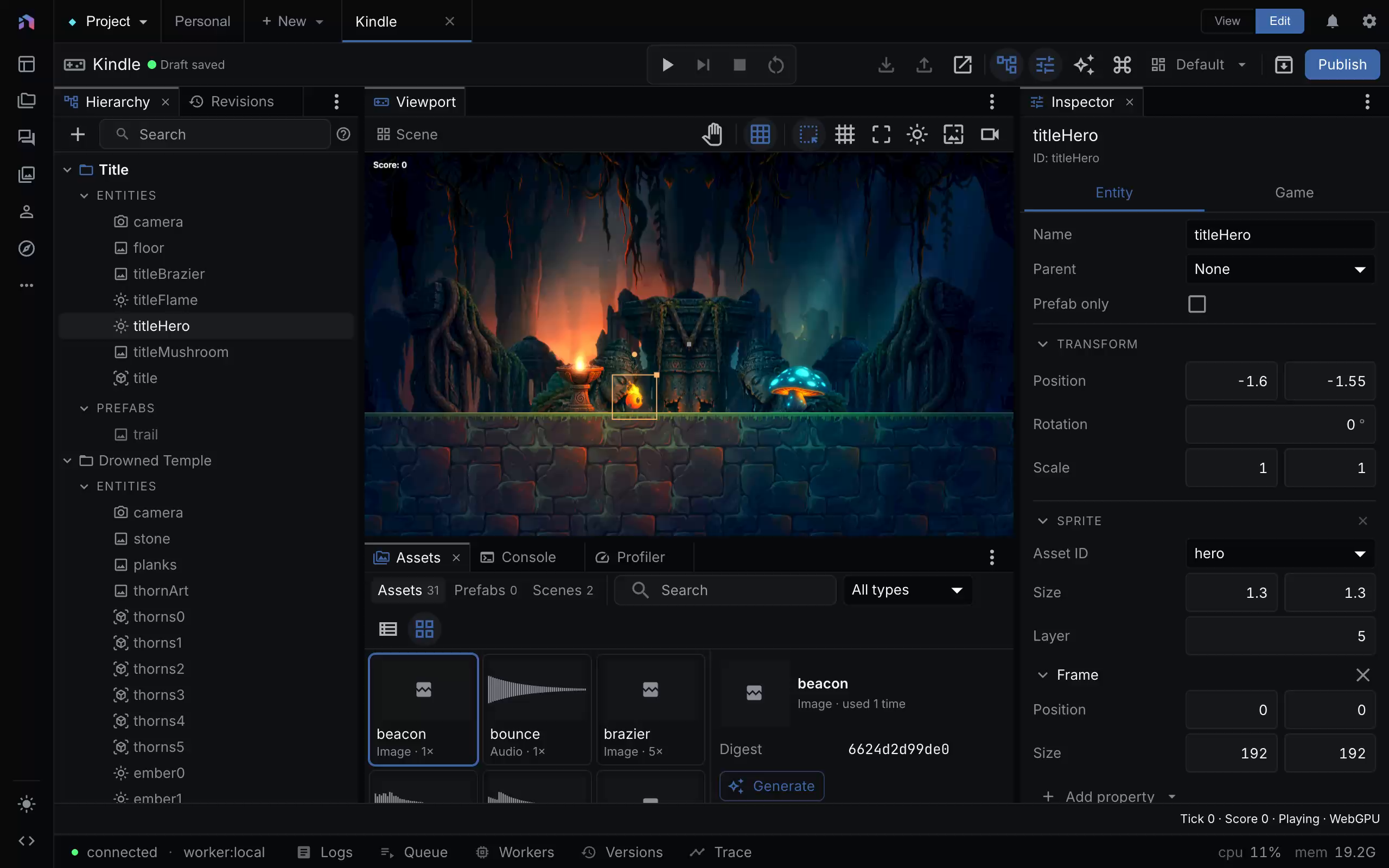
Kindle open in the shipped editor at tick 0, with the hero sprite selected. Capture provenance.
Install and play
- Open Browse examples from the workspace, or Examples from the logo menu, then choose Games.
- Choose Install game. Choose Kindle for a 2D platformer, Lumen for exploration, Neon Drift for a shooter, AETHER for 3D platforming, BLACKSITE for first-person play, or Signal Forge for a 3D interaction puzzle. Open Edit on the installed game.
- Press Play in the editor. Click the 3D viewport before using mouse look. Follow the example’s on-screen controls.
- Stop play before changing the level. Select an entity in the scene tree, change one visible property, and play again.
Signal Forge’s shipped scene has decorative geometry without complete collision coverage. It is useful for its models, interaction script, and objective HUD. Do not assume every visible pipe or column is solid.
Make a small change
Move a collectible or change a light color. Use the inspector rather than editing the live session. Draft changes and runtime state are separate: moving during play does not rewrite the document, and most document changes need a fresh play session.
Ask the agent for a bounded edit such as:
Move the first collectible closer to the starting platform. Preserve its ID and behavior. Validate the draft, replay the route, and capture a frame showing its new position.
The agent should inspect the draft before editing it. Agent authoring explains the edit and verification tools.
Verify before sharing
Test starting, completing the objective, failing, and recovering. A screenshot proves appearance at one moment. It does not prove collision, audio playback, or a complete route.
Publish an accepted draft to create a revision for the player. To share outside NodeTool, export a standalone build. The authenticated player URL is not a public share link.
For a blank game, the new-project format selector offers 2D or 3D. The guided + New → Game flow starts in 2D. Choose the dimension before building the scene.