
Collections bundle related documents into a single searchable unit. Index text into a collection, then query it from your workflows and agents.
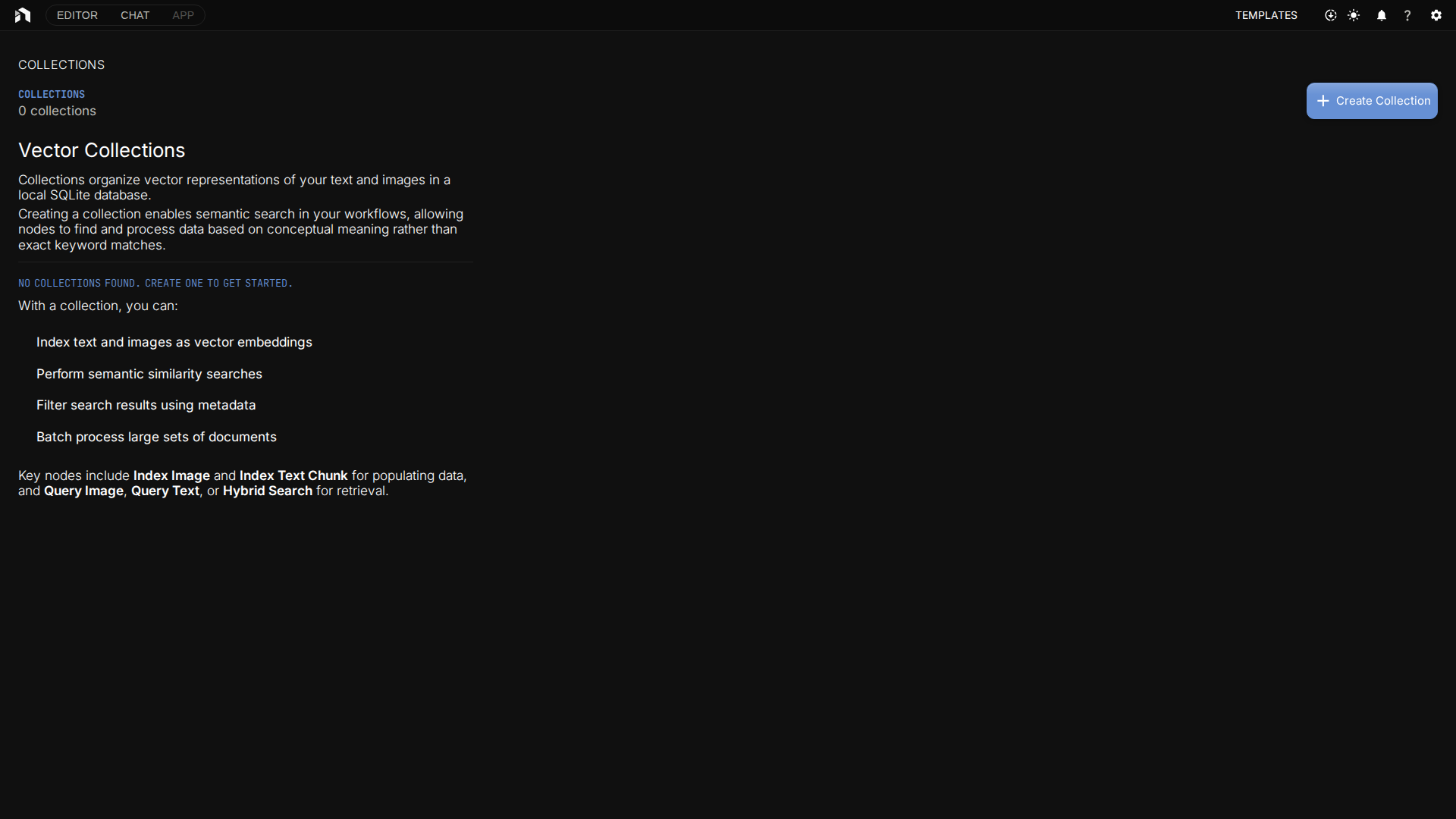
Opening Collections
Open Collections from the app menu, or go directly to /collections. The explorer shows the collections you own, and any collection that has no owner recorded, with each one’s document count, embedding model, and linked workflow. Another user’s collection does not appear, and asking for it by name answers “not found”.
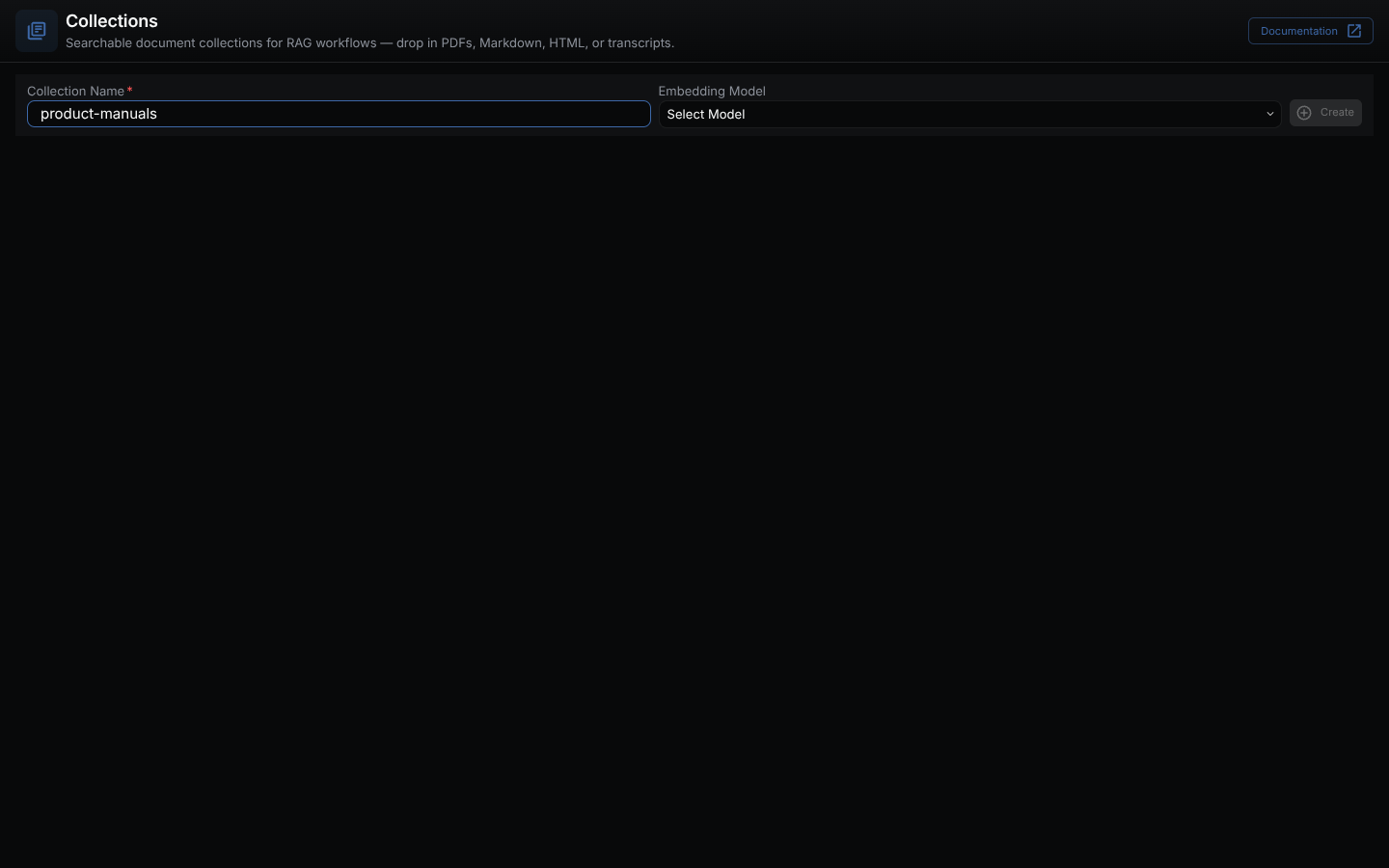
Creating a Collection
- Enter a name in Collection Name.
- Choose an Embedding Model. The Create button stays disabled until both are set.
- Click Create.
- Drag files from your computer onto the collection tile to index them.
A name is unique across the store. It can be at most 128 characters and cannot start or end with whitespace, contain / or \, or contain control characters.
Dropping a file sends it to POST /api/collections/:name/index. The server reads the file as UTF-8 text, splits it into chunks of 2000 characters with 1000 of overlap, and stores each chunk as <file name>#<n>. Use text formats such as TXT, Markdown, HTML source, CSV, or transcripts. The route does not extract text from PDF, DOCX, EPUB, or images, so extract their text in a workflow first (for example with lib.pdf.ExtractText) and index it with an index node. A file over NODETOOL_MAX_UPLOAD_BYTES (1 GiB by default) is rejected.
The route does not embed the chunks with the collection’s embedding model. Use the vector.Index* nodes when you need embeddings. See Indexing.
Managing Documents
Each collection is a tile in the explorer. From the tile you can:
- Index documents by dropping files onto it. Progress and any per-file errors are reported inline.
- Link a workflow by clicking the workflow name. The tile shows the workflow’s name, or “No workflow”. The link is stored in the collection’s
workflowmetadata. Dropping files does not run it. - Delete the collection and everything indexed in it.
Using Collections in Workflows
Use collections in RAG pipelines:
- Add an index node (
vector.IndexString,vector.IndexTextChunk,vector.IndexAggregatedText,vector.IndexImage,vector.IndexEmbedding) or a query node (vector.QueryText,vector.QueryImage,vector.HybridSearch) to your workflow. - Set its
collectioninput to a collection. Thevector.Collectionnode gets or creates one by name. - Run the workflow. Index nodes write into the collection; query nodes read from it.
See the Chat with Docs example for the full query → format → answer wiring.
Indexing Options
A collection’s embedding model is chosen when you create it and is recorded in the collection’s embedding_model and embedding_provider metadata. The linked workflow can be changed from the collection tile.
Chunking is not a collection setting. splitDocument() defaults to 2000 characters with 1000 characters of overlap, and the upload route uses those defaults.
See Indexing for deeper tuning notes.
Storage
By default index data lives in a vectorstore.db SQLite file (via sqlite-vec) in the NodeTool data directory, separate from the workflow database. Set VECTORSTORE_DB_PATH to move it. Nothing leaves your machine unless you use a cloud provider for the embedding model.
For multi-user deployments, set NODETOOL_VECTOR_PROVIDER=supabase. See Vector Storage and Supabase Deployment.
Related Docs
- Indexing — the upload route, index nodes, and vector store settings
- Vector Storage — backends and filters
- Chat with Docs example — end-to-end RAG workflow