
Use case · Marketing
Turn a campaign brief and a single product photo into a cinematic 16:9 product video. Your inputs feed a prompt, an agent directs the shot, and a text-to-video model renders a ready-to-post clip.
How it works
Four inputs and four nodes: a brief, an audience, a feature list, and the hero photo go in; a finished clip comes out.
graph LR
brief["Brief (String)"]
audience["Audience (String)"]
features["Features (String)"]
photo["Product photo (Image)"]
prompt["Prompt"]
agent["Director (Agent)"]
i2v["Render (ImageToVideo)"]
brief --> prompt
audience --> prompt
features --> prompt
prompt --> agent
photo --> agent
agent --> i2v
photo --> i2v
- Feed in the campaign. Three text inputs hold the brief, the target audience, and the key features. A product photo goes in alongside them as the hero shot. (e.g. “Aurora Trail smart fitness watch · active millennials who hike · GPS, heart-rate, adaptive coaching, water resistance”)
- Assemble the prompt. A Prompt node templates those inputs into a precise, rule-based request: one camera move, one subject action, lighting, color anchors, and hard constraints (no on-screen text, logos, or watermarks).
- Direct the shot. An agent turns the request into a concrete, cinematic prompt with framing, lens, and motion cues — the part most people get wrong by hand.
- Render the video. A text-to-video model animates the product photo from the agent’s prompt into a finished, ready-to-post clip.
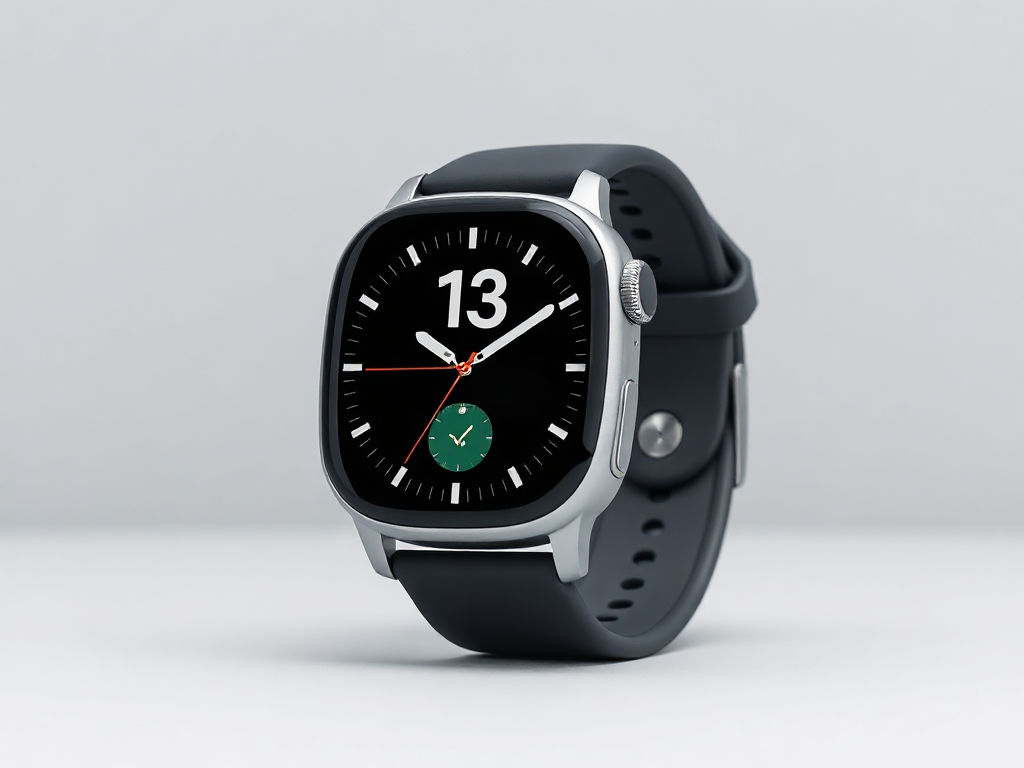
One photo in, a clip out
The whole pipeline runs from a single product render. Same graph, any product.
Make it yours
- Swap the video model. Veo, Seedance, Kling, Runway. Change one node, the rest of the graph stays exactly the same.
- Retune the agent. Rewrite the system prompt for a luxury, playful, or hyper-technical tone without touching the pipeline.
- Change the format. Aspect ratio, resolution, and duration all live on the video node. Go vertical for social in one click.
- Reuse for any product. Drop in a new photo and brief, run it again. The workflow is the reusable part, not the output.
Models in this workflow
Called with your own keys. The bill comes from the provider, and you can switch any of them for a better model the day it ships.
| Model | Role | Provider |
|---|---|---|
| Gemini 3.1 Pro Preview | Writes the video prompt | Gemini |
| Veo 3.1 Preview | Renders the clip from the product photo | Gemini |
See Models & Providers to set up keys.
Next steps
- Movie Trailer Generator — one logline to a cut teaser
- Color Boost Video — polish footage on the canvas
- All use cases
</content> </invoke>